Pixeldeco
A downloadable font
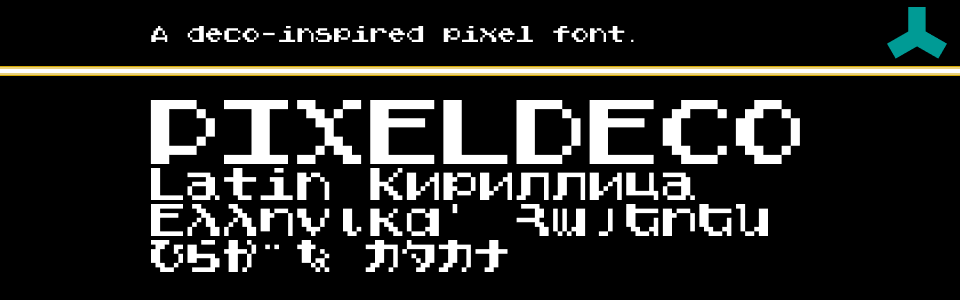
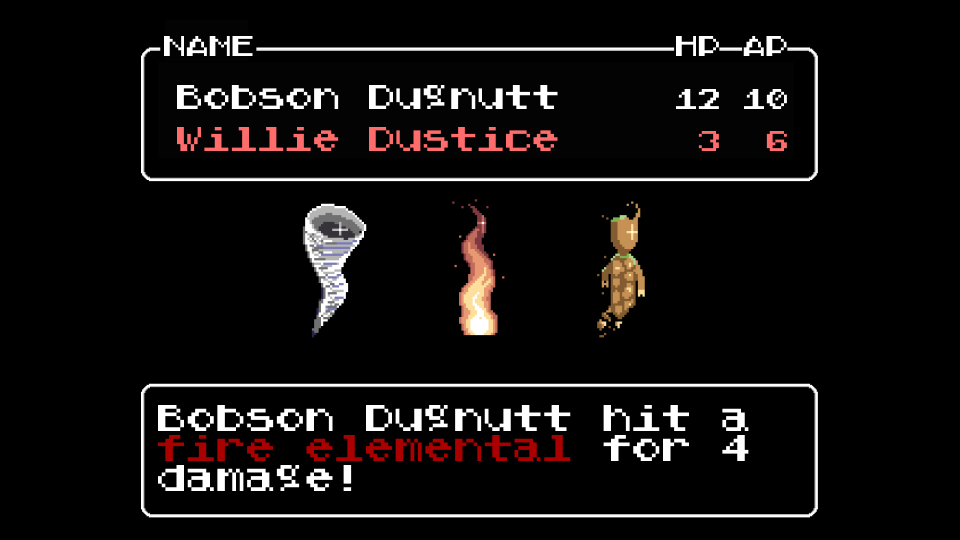
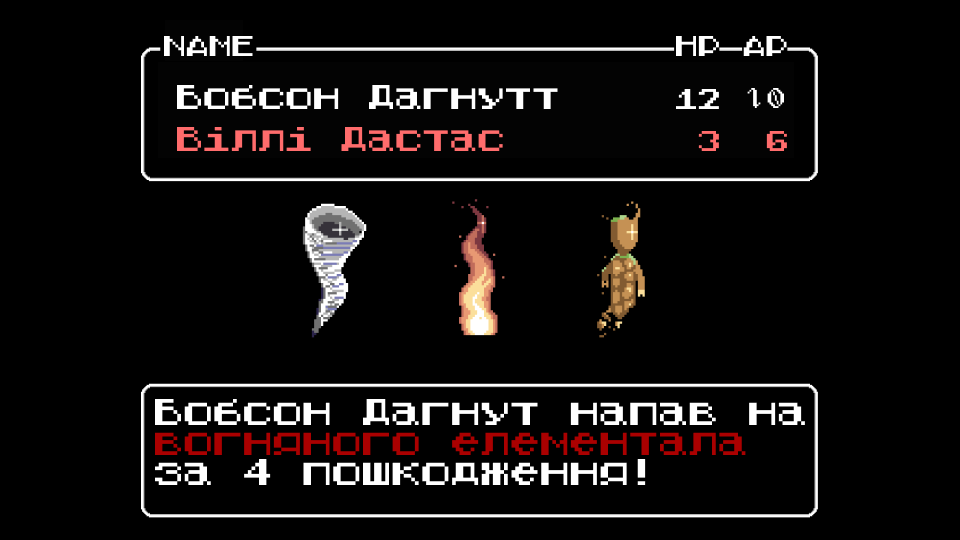
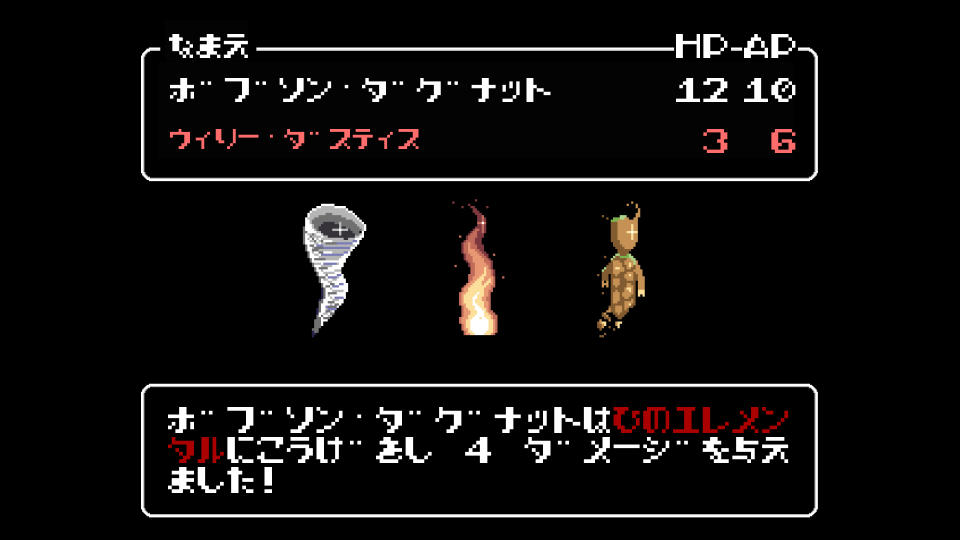
Pixeldeco is a 7x7 pixel font for retro games and pixel art in a bunch of languages.
Completed Unicode Blocks: Basic Latin, Latin-1 Supplement, Latin Extended A, Greek and Coptic, Cyrillic, Cyrillic Supplement, Armenian, CJK Symbols and Punctuation, Hiragana, Katakana, Halfwidth and Fullwidth Forms
There's also a few other bits and pieces.
Roadmap
There are no plans for future development, but more characters may be added over time.
However, characters with accents are double width, with the base letter filling 7x7 and the accent filling another 7x7. If this ends up being really weird, I may come back to rework accented characters as well.
LICENSE
Attribution 4.0 International (CC BY 4.0). You can use this font in both personal and commercial products, and also make modifications as long as you attribute Douglas Vautour (Burpy Fresh). Please let me know if you decide to use this font in your project! I'd love to see it! Please post screenshots in the comments!
*This font will always be free, but I may ask for donations in the future. At that point, if you have found this font useful, please feel free to donate. :)
RECOMMENDED ATTRIBUTION
"Plain Pixel Font" by Douglas Vautour (Burpy Fresh) is licensed under CC-BY 4.0
Download
Install instructions
Windows - Open the Windows Font Viewer. This is usually done by double clicking on the font file. Click on the Install button.
Mac - Drag font file into the ~/Fonts folder.
Unity Usage Notes
In the Font Asset Creator in TextMeshPro, using a Sample Size (Point Size) of 8, padding to 1px, setting Render Mode to RASTER, and turning off "Get Font Features" will give the best results. (If 8 provides misshapen blocks, try nearby numbers, and please let me know!)
After creating the Font Asset, tap the arrow on its icon to expand, go to the Atlas, and set the filter mode to "Point". This will stop any rounding and keep your font looking crisp!
This font displays properly at point sizes that are multiples of 8 (or the number you used above). Using any other point sizes isn't recommended unless you're intentionally looking for a distorted style.
Leave a comment
Log in with itch.io to leave a comment.